Three steps. That's it.
Connect once, design once, then generate as many documents as you need. No more copy-pasting.
1
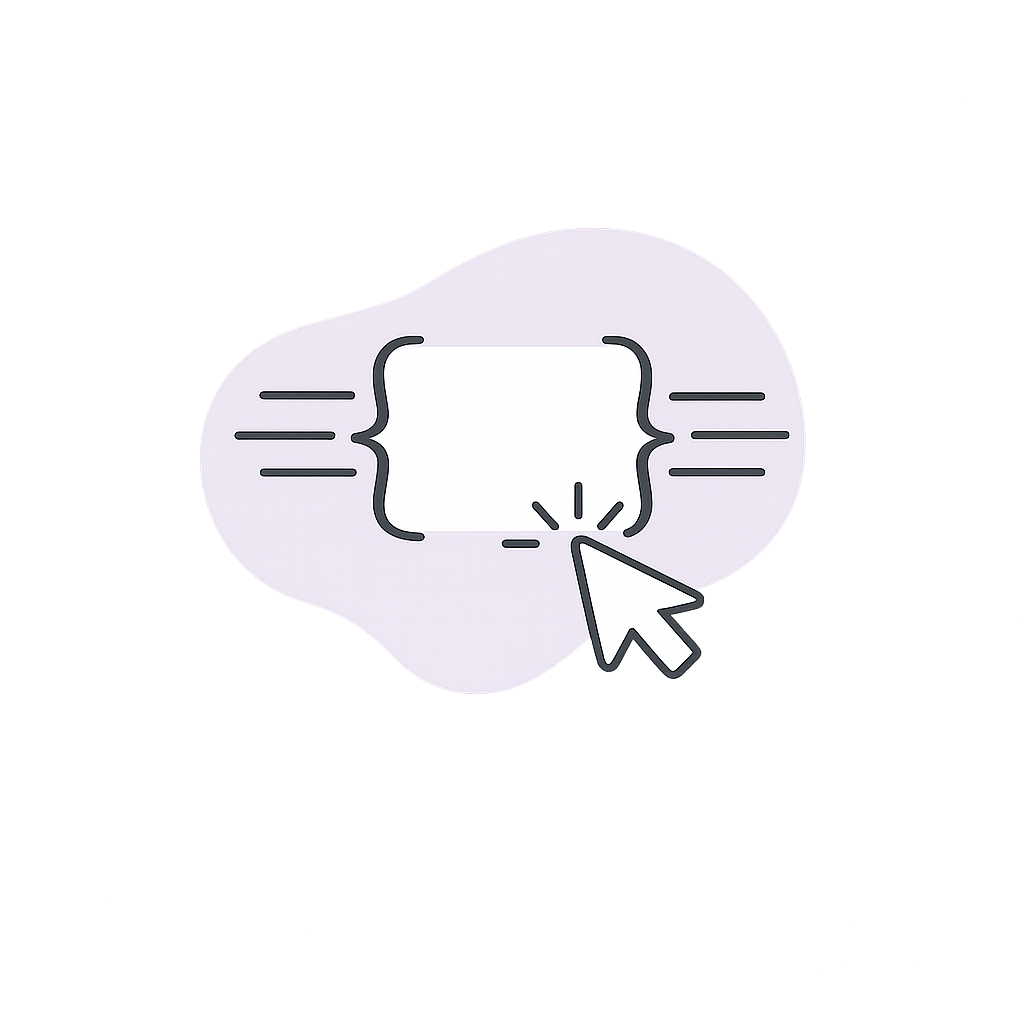
Connect Your Database
One click to connect. Pick the databases you need, and you're done .
 Takes 30 seconds, not 30 minutes
- Choose exactly which databases to share
- Your properties become template placeholders automatically

2
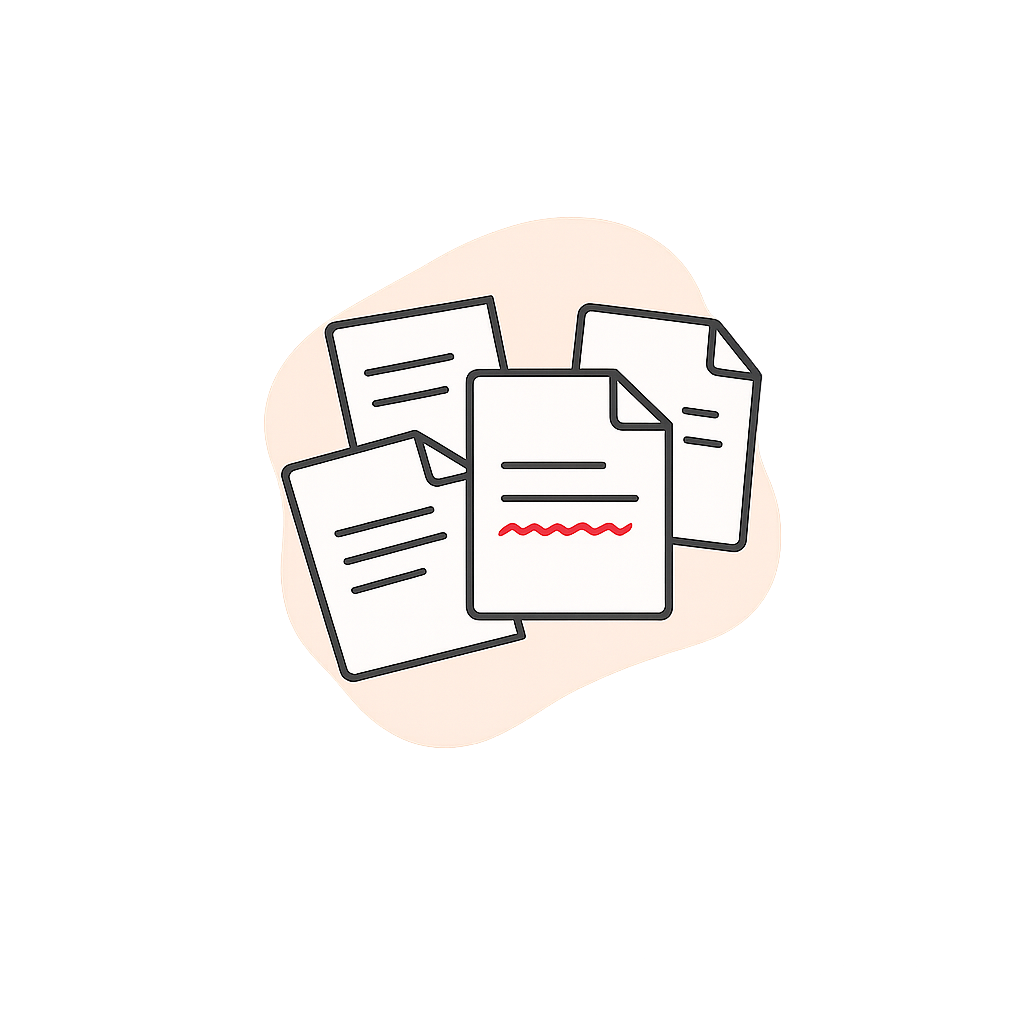
Design Your Template Once
Build your template exactly how you want it. Your Notion fields show up as placeholders — just drag them in. Or start from a Word doc you already have.
- Use it forever once you've built it
- Notion properties become {{placeholders}}
- See real data while you design
- Import from Word if you've already got templates
3
Generate. Download. Done.
Pick a client, click generate, and your PDF is ready. Preview it first if you want. That's the whole workflow — no formatting, no copy-pasting, no typos.
- One click to generate
- Preview before you download
- Always uses your latest Notion data
- Generate multiple at once if you need to